- Joined
- Jun 18, 2023
- Messages
- 893
- Reaction score
- 2,970
Does it includes the Alpha Gaming client from the pgaming file?
- Open your Google Drive account and Sign in.
- Go to the link of the shared file/folder.
- Open the file Navigate to the menu and go to File. You can also right click the file.
- Scroll down until you see Make as Copy.
- Rename and select the location.
- Click on Ok.
- Locate your copy saved in your drive.
- Go to the menu bar, select File.
- Click on Download and choose the format.

bot mode is fine local server
View attachment 237420
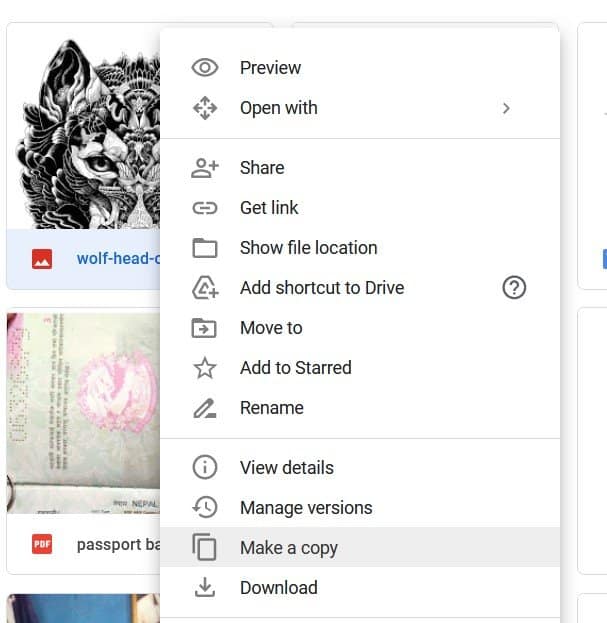

I can only see this.

Click recent from your GDrive and there you can find the opened GDrive file and make a copy to it.

I don't know why it keeps error when creating a copy, I even tried Incognito mode but still same, I have 100GB disk drive though.
Last edited: